

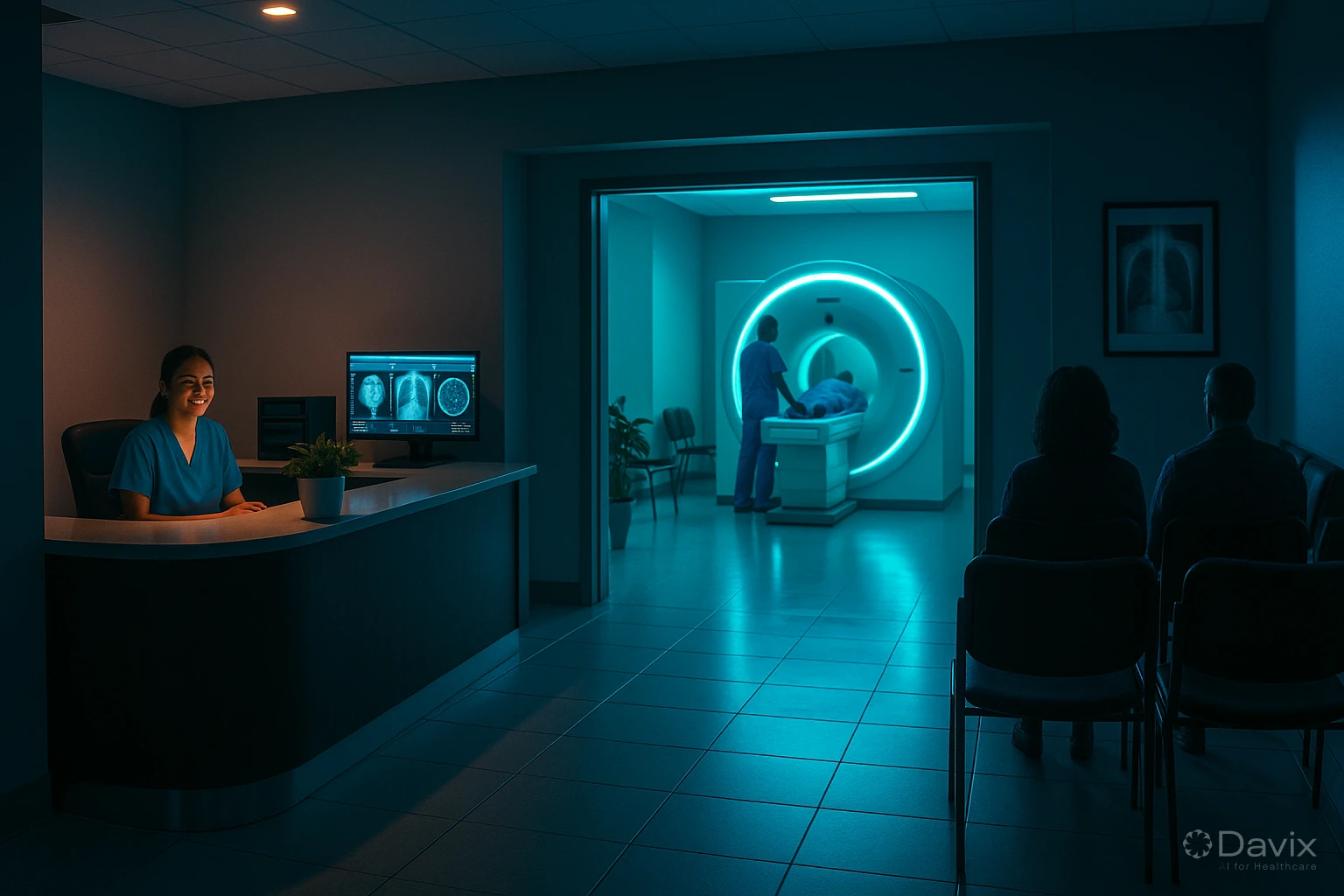
Teleradiology in Latin America: How to Implement It in Your Imaging Center (2026)
Teleradiology is transforming how imaging centers operate across Latin America. The shortage of specialist radiologists, the concentration of talent in major cities, and growing demand for studies mean that remote image interpretation is no longer a luxury — it's an operational necessity.
According to the Pan American Health Organization, many countries in the region have fewer than 1 radiologist per 100,000 inhabitants outside their capitals. Teleradiology bridges that gap by connecting imaging centers with radiologists wherever they are.
What is teleradiology and why is it growing?
Teleradiology is the practice of sending medical images (X-rays, CT scans, MRIs) from the acquisition site to a remote radiologist who interprets them and generates a diagnostic report.
It's not general telemedicine: it's a mature specialty with well-defined technical standards (DICOM, HL7) and a workflow that can be almost fully automated with the right technology.
Why is it growing in LATAM?
- Specialist shortage: Subspecialized radiologists (neuroradiology, musculoskeletal, breast) are scarce outside major cities.
- Rising study demand: Expanding healthcare coverage increases study volume without a matching growth in radiologists.
- Accessible technology: Cloud PACS solutions eliminate the infrastructure barrier that once limited teleradiology to large hospitals.
- Post-pandemic effect: COVID-19 accelerated remote work adoption in healthcare and normalized remote interpretation.
Three teleradiology models
There's no single model. Depending on your operation, you can implement one or combine several:
| Model | How it works | Ideal for |
|---|---|---|
| Full outsourcing | You send all studies to an external group of radiologists for interpretation | Centers without in-house radiologists, rural clinics |
| Overflow | Your radiologists interpret what they can; the excess goes to external radiologists | Centers with radiologists who can't keep up during peak hours or night shifts |
| Subspecialization | You send specific studies (neuro, cardio, breast) to remote subspecialists | Hospitals that need second opinions or expertise they don't have internally |
Technical requirements for implementing teleradiology
Implementing teleradiology doesn't require a massive investment, but you do need to cover certain requirements:
- Cloud PACS with web access — The system must allow the remote radiologist to access images from any browser, without installing software. A cloud PACS solves this natively.
- Adequate bandwidth — For CT and MRI studies (200–2,000 MB), you need at least 20 Mbps stable upload. For simple X-rays, 5 Mbps is sufficient.
- Diagnostic-quality DICOM viewer — The viewer must support measurement tools, windowing, zoom, and for complex studies, MPR and 3D reconstruction.
- Electronic report signing — The radiology report must be digitally signed to have legal validity. Davix includes electronic signing from the Professional plan.
- Automated worklist — The system should automatically assign studies to the right radiologist based on modality, urgency, or subspecialty.
Ready to digitize your health center?
Discover how Davix can transform your hospital or clinic management with world-class technology.
Schedule Free DemoRegulatory framework by country
Teleradiology operates under regulatory frameworks that vary by country. Here are the most relevant ones in LATAM:
| Country | Main regulation | Key points |
|---|---|---|
| Mexico | NOM-024-SSA3-2012 | Allows telemedicine; requires electronic medical records and informed consent |
| Colombia | Law 2015 of 2020 (Telehealth) | Broad telehealth framework; providers must be authorized by the Health Secretariat |
| Peru | Law 30421 (Telehealth Framework) | Regulates teleconsultation and telediagnosis; requires consent and RENIPRESS registration |
| Chile | Law 20.584 + MINSAL guidelines | Allows telemedicine under patient privacy and security standards |
| Argentina | Law 27.553 (Prescriptions & Telemedicine) | Allows remote diagnosis and prescriptions; each province may have additional regulations |
| Brazil | CFM Resolution 2.314/2022 | Regulates telemedicine including teleradiology; requires registration and consent |
Recommendation: Before implementing, consult with your legal advisor about current regulations in your jurisdiction and ensure your technology platform meets the required security and privacy standards.
Costs of implementing teleradiology
Costs depend on the model you choose and the infrastructure you already have:
- Cloud PACS: From $53 USD/mo with Davix PACS/RIS Essential. If you already have an on-premise PACS, costs are higher ($200–$500 USD/mo with other providers).
- External radiologist fees: Vary by country and modality. In LATAM, typical ranges are $3–$15 USD per interpreted study.
- Connectivity: If your center already has stable internet, there's no additional cost. If you need to upgrade, business internet plans cost between $50 and $200 USD/mo.
- Electronic signing: Included in Davix from the Professional plan. With other providers, it can cost $50–$200 USD/mo extra.
Estimated total cost for a small center: $100–$300 USD/mo (PACS + electronic signing). Radiologist fees are variable based on volume.
How Davix enables teleradiology
Davix PACS/RIS was designed from the ground up to support native teleradiology:
- 100% web access — The remote radiologist accesses from any browser. No VPN, no installed software, no complicated configurations.
- Smart worklist — Studies are automatically assigned based on configurable rules (modality, site, urgency, subspecialty).
- Diagnostic-quality viewer — Full measurement, windowing, and — on the Enterprise plan — MPR and 3D reconstruction tools.
- Integrated electronic signing — The radiologist digitally signs the report from the same platform. No switching applications.
- WhatsApp notifications — Alerts the referring physician when the report is ready. Or alerts the radiologist when an urgent study arrives. Available from the Enterprise plan with WhatsApp integration.
- Referring physician portal — The physician who ordered the study can view images and reports from their own web portal, without needing full PACS access.
Frequently asked questions
Do I need to buy special equipment for teleradiology?
Not necessarily. If your modality (X-ray, CT, MRI) already has DICOM output and your center has stable internet, you just need a cloud PACS. No local servers or additional hardware required.
Is teleradiology legal in my country?
In most LATAM countries, teleradiology is regulated and permitted under telemedicine or telehealth frameworks. Check the regulatory table in this article and verify specific requirements with your legal advisor.
How fast are reports delivered in teleradiology?
It depends on your agreement with external radiologists. Typical turnaround times are: urgent studies in 30–60 minutes, routine studies in 2–24 hours. A PACS with automated worklists and notifications significantly accelerates these times.
Can I combine internal and external radiologists?
Yes. The overflow model is the most common: your radiologists interpret during business hours and the excess or night shifts are routed to external radiologists. Davix allows configuring assignment rules so this works automatically.
Conclusion
Teleradiology in Latin America is no longer a future promise — it's an accessible reality for imaging centers of any size. Key takeaways for successful implementation:
- Choose a cloud PACS that supports web access, electronic signing, and automated worklists.
- Define your model (full outsourcing, overflow, or subspecialization) based on your operation.
- Verify the regulatory framework in your country and ensure you meet consent and security requirements.
- Start gradually: You don't need to migrate your entire operation at once. You can begin with night shifts or subspecialty studies.
Davix PACS/RIS includes everything you need to implement teleradiology from day one. Check the pricing or schedule a demo to see it in action.
Related articles
How to Automate Appointment Scheduling at Your Clinic and Reduce Administrative Burden (2026)
Practical guide to automating medical appointment scheduling: reduce phone calls, eliminate double booking, and improve patient experience with digital tools.
How to Migrate Your PACS to the Cloud Without Losing Studies: A Step-by-Step Guide (2026)
Complete guide to migrating from an on-premise PACS to the cloud: planning, DICOM data migration, validation, and best practices to not lose a single study.

Set Up Teleradiology with Davix in 15 Minutes: Step-by-Step Tutorial
Practical tutorial to configure teleradiology with Davix PACS/RIS: from creating users to receiving the first signed report, in under 15 minutes.
