

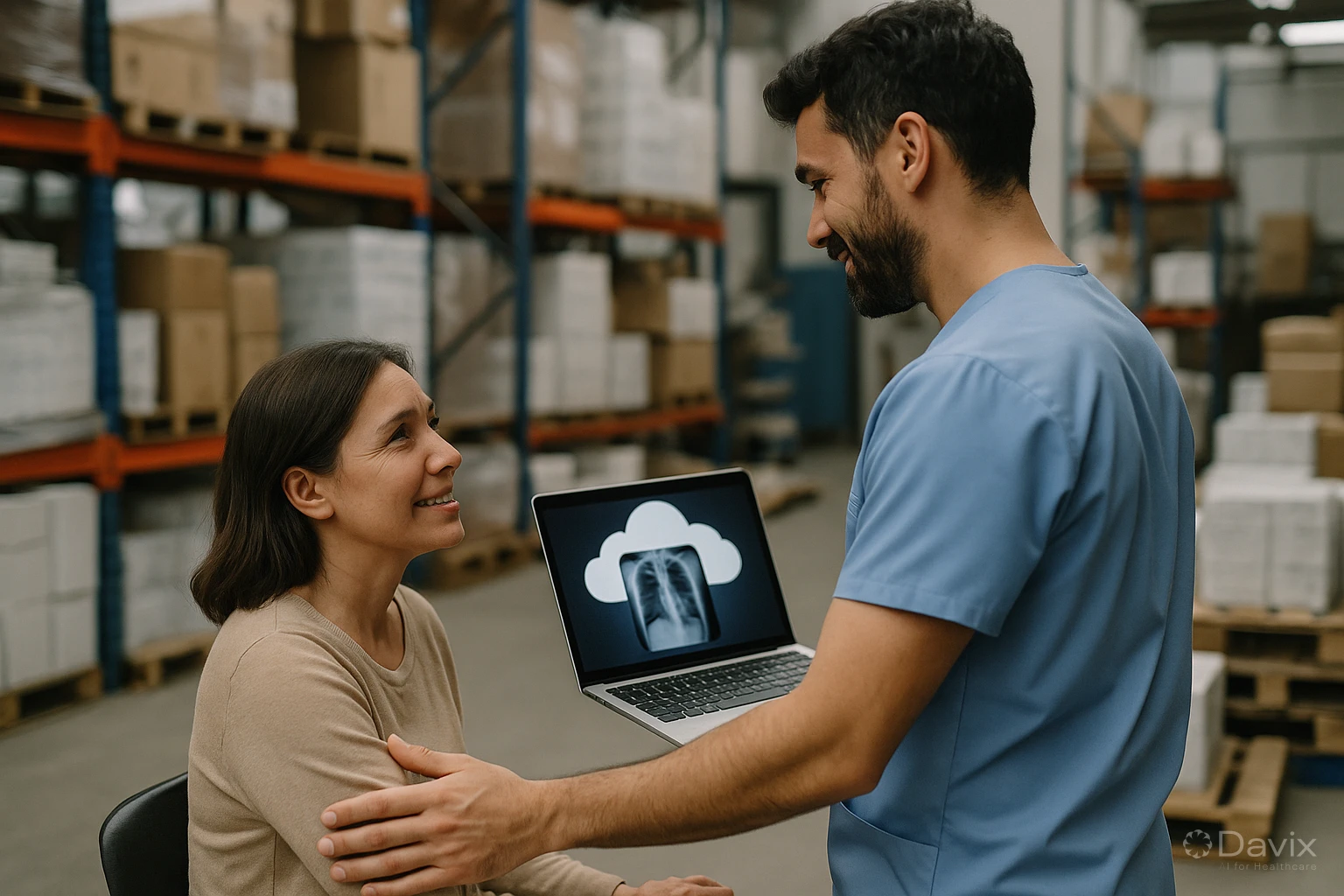
On-Premise PACS Is Dead: Why LATAM Must Migrate to the Cloud
There's an uncomfortable truth that the healthcare technology industry in Latin America needs to face: on-premise PACS no longer makes sense for the vast majority of imaging centers. This isn't a future prediction — it's a present reality.
Centers that continue operating with local servers do so out of inertia, not competitive advantage. And every year they go without migrating, the technology gap widens.
The era of on-premise PACS is over
The on-premise model worked for two decades because there was no viable alternative. Storing terabytes of medical images required robust hardware, and internet connections in LATAM weren't fast or stable enough to handle heavy DICOM files.
That changed. Today:
- Bandwidth in LATAM has multiplied by 10 over the last decade. Even mid-sized cities have access to 50–100 Mbps connections.
- Cloud storage costs a fraction of maintaining a local server with RAID, backups, and redundancy.
- DICOMweb standards allow viewing medical images in a browser with the same quality as a desktop viewer.
- Teleradiology went from a nice-to-have to an operational necessity, and an on-premise PACS makes it unnecessarily complicated.
5 signs your on-premise PACS is holding you back
1. Your server is over 4 years old
Servers have a useful life of 4-5 years. After that, the risk of hardware failure increases exponentially. Is your contingency plan solid if the server fails tomorrow? If you hesitated before answering, that's the problem.
2. You can't do teleradiology easily
If getting an external radiologist to view studies requires configuring VPN, opening firewall ports, or burning CDs, your PACS is holding you back. With a cloud PACS, the radiologist accesses from any browser in 30 seconds.
3. Your patients ask for CDs
In 2026, delivering results on CD is like sending a fax. Your patients expect to access their images and reports from their phone. A cloud PACS with a patient portal enables this natively.
4. You spent more on maintenance than on improvements
If your IT budget goes toward keeping the server alive instead of improving your service, you're investing in the wrong place. On-premise infrastructure maintenance is a sunk cost that generates no value.
5. You don't know if your backup works
If the last time you verified your backup was "a while ago" or "never," you're assuming an unacceptable risk with your patients' clinical data.
Ready to digitize your health center?
Discover how Davix can transform your hospital or clinic management with world-class technology.
Schedule Free Demo"But my on-premise PACS works fine"
This is the most common argument, and it's deceptively dangerous. "Works fine" doesn't mean it's the best option. A 1990 car also "works fine" to go to the grocery store, but it doesn't compete with a modern car in safety, efficiency, or comfort.
Your on-premise PACS "works fine" until:
- The server fails and you discover your backup is 3 months old.
- An external radiologist can't access because the VPN doesn't work from their network.
- A patient complains because they can't see their studies online.
- You get a quote for a new server and the price forces you to postpone renewal another year.
- The health authority asks for evidence of encryption and geo-redundant backups.
The real cost of not migrating
Staying on-premise isn't free. It has direct and indirect costs that accumulate:
| Concept | Estimated annual cost |
|---|---|
| Hardware and software maintenance | $3,000–$8,000 USD |
| Annual PACS licenses | $2,000–$10,000 USD |
| Server electricity and space | $1,000–$3,000 USD |
| IT support (partial or dedicated) | $5,000–$15,000 USD |
| Opportunity cost (no teleradiology, no patient portal) | Incalculable |
| Estimated annual total | $11,000–$36,000 USD |
Comparison: Davix PACS/RIS Essential costs $636 USD/year. Even the Enterprise plan costs $5,700 USD/year. You're paying more for less.
What you gain by migrating
Cloud migration isn't just about reducing costs. It's about transforming your operation:
- Native teleradiology — External radiologists access from any browser, no VPN or configurations.
- Patient portal — Your patients access their images and reports from their phone.
- Automatic updates — You always operate on the latest version with the latest features and security patches.
- Unlimited scalability — Your storage grows automatically as you generate more studies.
- Resilience — If there's an issue in one data center, the service continues from another. No more "the server went down."
- Native integrations — If tomorrow you need LIS or HIS, you activate them without buying another server.
Frequently asked questions
What if I don't have good internet in my area?
Local gateway solutions allow normal operation even with intermittent internet. Studies are stored temporarily on the gateway and synced when the connection is restored. Plus, for daily operations at a small center, 10–20 Mbps is sufficient.
Is it safe to have patient data in the cloud?
It's safer than having it on a local server. A professional cloud provider has encryption, 24/7 monitoring, geo-redundant backups, and security certifications that most imaging centers can't replicate internally. See our article on healthcare data security.
How long does it take to migrate from on-premise to cloud?
From 2 to 8 weeks, depending on data volume and number of modalities. Daily operations are not interrupted during migration. See our PACS migration guide.
Is there any case where on-premise still makes sense?
In very specific situations: institutions with data sovereignty requirements that don't allow cloud, or locations with zero internet connectivity. For 95% of imaging centers in LATAM, cloud is the better option.
Conclusion
On-premise PACS didn't die overnight. It died gradually, surpassed by superior technology on every front:
- Cheaper: $53 USD/mo vs $11,000–$36,000 USD/year.
- More accessible: From any browser vs only on your local network.
- More secure: Enterprise encryption vs whatever you can configure yourself.
- More resilient: Multi-region vs a single server that can fail.
- More complete: Teleradiology, patient portal, automatic updates included.
The question isn't whether you should migrate, but how much longer you'll wait. Check the Davix PACS/RIS pricing or schedule a demo.
Related articles
How to Automate Appointment Scheduling at Your Clinic and Reduce Administrative Burden (2026)
Practical guide to automating medical appointment scheduling: reduce phone calls, eliminate double booking, and improve patient experience with digital tools.
How to Migrate Your PACS to the Cloud Without Losing Studies: A Step-by-Step Guide (2026)
Complete guide to migrating from an on-premise PACS to the cloud: planning, DICOM data migration, validation, and best practices to not lose a single study.

Set Up Teleradiology with Davix in 15 Minutes: Step-by-Step Tutorial
Practical tutorial to configure teleradiology with Davix PACS/RIS: from creating users to receiving the first signed report, in under 15 minutes.
