

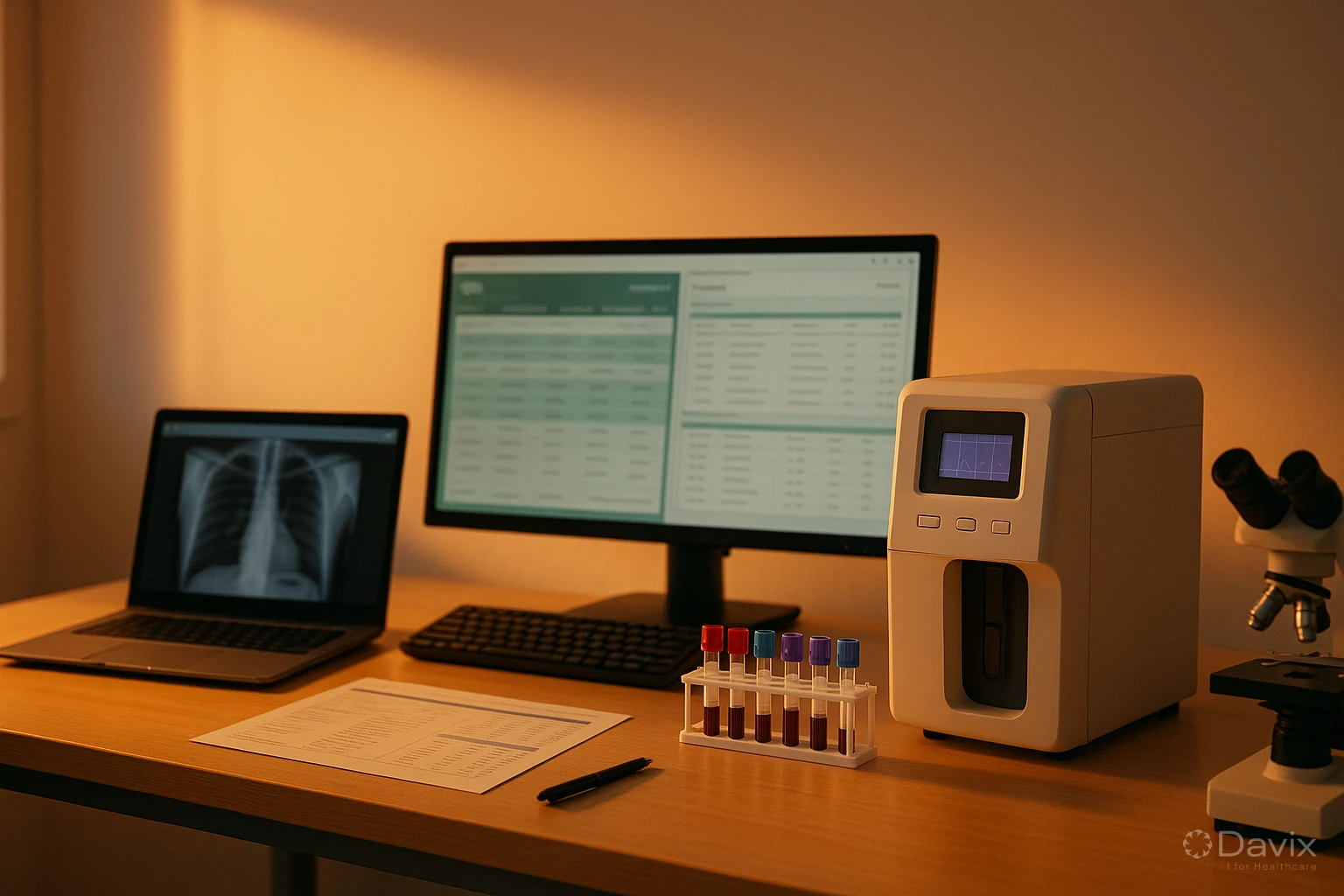
PACS + HIS + LIS Integration: Why a Unified Platform Beats 3 Separate Systems (2026)
If your healthcare institution runs a PACS from one vendor, an HIS from another, and a LIS from a third, you probably already know the problem: the three systems don't talk to each other, your team wastes time entering data manually in each one, and when something fails, nobody takes responsibility because "the problem is in the other system."
This fragmentation isn't just inefficient. It's costly, risky, and most importantly, avoidable.
The hidden cost of running 3 separate systems
When you calculate your technology infrastructure cost, you probably add up each system's license fees. But the real costs go far beyond:
- Paid integrations: Connecting a PACS with an HIS from another vendor requires custom development or middleware. Each integration can cost between $5,000 and $30,000 USD, and any update to either system can break it.
- Double data entry: If systems don't share information, your staff enters the same patient data 2 or 3 times a day. This consumes work hours and multiplies errors.
- Fragmented support: When something fails, the PACS vendor says the problem is in the HIS. The HIS vendor says it's in the LIS. And you pay support hours to 3 different companies to solve a single issue.
- Incompatible updates: When one vendor updates their system, the integration with the others may stop working. This causes downtime and reintegration costs.
- Incomplete reporting: If you want a dashboard showing imaging, lab, and clinical data in one place, you need to build a data warehouse or manually extract data from each system.
Conservative estimate: A mid-size institution running 3 separate systems spends between $15,000 and $50,000 USD per year on hidden integration costs, duplicated support, and lost productivity.
Three ways to connect PACS, HIS, and LIS
There are three main approaches to getting your systems to communicate:
1. Point-to-point integration (HL7/FHIR)
Each system connects directly with the others using interoperability standards like HL7 or FHIR. It's the most common option, but also the most fragile: each connection requires independent development, maintenance, and testing.
2. Middleware or integration engine
An intermediary software (like Mirth Connect or Rhapsody) acts as a translator between systems. It reduces the complexity of point-to-point connections, but adds one more component to maintain, license, and monitor.
3. Unified platform
A single vendor offers PACS, HIS, and LIS as modules of the same platform. There's no integration to develop because data flows natively between modules. This is the model that Davix implements.
Ready to digitize your health center?
Discover how Davix can transform your hospital or clinic management with world-class technology.
Schedule Free DemoComparison table: 10 criteria
| Criterion | 3 separate systems | Middleware | Unified platform |
|---|---|---|---|
| Initial integration cost | ❌ $10K–$30K USD | ⚠️ $5K–$15K USD | ✅ $0 (already integrated) |
| Annual integration maintenance | ❌ $5K–$15K USD | ⚠️ $3K–$8K USD | ✅ $0 |
| Implementation time | ❌ 6–12 months | ⚠️ 3–6 months | ✅ 2–6 weeks |
| Update breakage risk | ❌ High | ⚠️ Medium | ✅ None |
| Double data entry | ❌ Yes | ⚠️ Partial | ✅ Eliminated |
| Single support contact | ❌ No (3 vendors) | ❌ No (3 + middleware) | ✅ Yes |
| Unified dashboard | ❌ Requires development | ⚠️ Possible with effort | ✅ Included |
| Scalability | ⚠️ Depends on each vendor | ⚠️ Depends on each vendor | ✅ Adding modules is instant |
| Consistent user experience | ❌ 3 different interfaces | ❌ 3 different interfaces | ✅ One single interface |
| Total cost over 3 years | ❌ Highest | ⚠️ Mid-range | ✅ Lowest |
How integration works in Davix: 3 real workflows
In Davix, PACS, HIS, and LIS aren't products that "integrate" — they're modules of the same platform sharing the same database, the same interface, and the same support team.
Workflow 1: Medical order → imaging study → report
- The physician creates a study order from the HIS.
- The order automatically appears in the PACS/RIS worklist.
- The technologist performs the study and images are archived in the PACS.
- The radiologist interprets, writes, and signs the report from the same PACS.
- The signed report is automatically linked to the patient's record in the HIS.
- The patient receives a notification to check their images and report on the portal.
Without Davix: This requires at least 2 HL7 integrations, manual data entry, and manual report transfer.
Workflow 2: Medical order → lab tests → results
- The physician orders lab tests from the HIS.
- The order arrives at the LIS with all patient data pre-loaded.
- The lab processes samples and the LIS receives results from analyzers.
- Validated results are automatically published in the HIS patient record.
- The patient accesses their results from the web portal.
Workflow 3: Emergency — imaging + lab in parallel
- Patient arrives at the ER. They're registered once in the HIS.
- A CT scan (PACS) and lab tests (LIS) are simultaneously ordered.
- Both results integrate in real time into the patient's record.
- The ER physician sees everything on a single screen: images, reports, and lab results.
You don't have to buy everything from day one
A common concern is: "If I choose a unified platform, am I forced to buy all 3 modules?" With Davix, the answer is no.
- Buy what you need today. Only need PACS? Buy only PACS.
- Add modules when you're ready. Need LIS in 6 months? Activate it and it automatically connects with your existing PACS.
- No data migration. Because everything is on the same platform, adding a module doesn't require migrating patients or reconfiguring integrations.
- Each module has independent pricing. Check the prices for each product transparently.
Frequently asked questions
Doesn't a unified platform create vendor lock-in?
It's a valid concern, but compare it with the alternative: depending on 3 vendors that don't coordinate with each other. With Davix, your data is always yours and you can export it in standard formats (DICOM, HL7, CSV) if you decide to switch. The difference is that while you use Davix, everything works without friction.
Does Davix integrate with third-party systems I already have?
Yes. Davix exposes APIs and supports HL7/FHIR standards to connect with external systems. If you already have an HIS you want to keep and only need PACS, Davix integrates with your existing HIS. The unified platform is the ideal option, but not the only one.
How quickly can I be operational with Davix?
For a single module (PACS, HIS, or LIS), typical implementation takes 2 to 4 weeks. For the full platform with all 3 modules, 4 to 6 weeks. This contrasts with the 6 to 12 months it takes to implement and integrate 3 systems from different vendors.
What if I only need 2 of the 3 modules?
You buy the 2 you need. There's no obligation to purchase all 3. Many Davix customers start with PACS/RIS and later add HIS or LIS based on their needs.
Conclusion
Running PACS, HIS, and LIS from different vendors generates hidden costs, operational inefficiencies, and technical risks that a unified platform eliminates by design:
- Zero integration cost — Modules already communicate natively.
- One single interface — Your team learns one tool, not three.
- One support provider — One problem, one ticket, one resolution.
- Fast implementation — Weeks instead of months.
- True scalability — Add modules when you need them, without rebuilding integrations.
Check the pricing for each module or schedule a demo to see how all 3 systems work together on a single platform.
Related articles
How to Automate Appointment Scheduling at Your Clinic and Reduce Administrative Burden (2026)
Practical guide to automating medical appointment scheduling: reduce phone calls, eliminate double booking, and improve patient experience with digital tools.
How to Migrate Your PACS to the Cloud Without Losing Studies: A Step-by-Step Guide (2026)
Complete guide to migrating from an on-premise PACS to the cloud: planning, DICOM data migration, validation, and best practices to not lose a single study.

Set Up Teleradiology with Davix in 15 Minutes: Step-by-Step Tutorial
Practical tutorial to configure teleradiology with Davix PACS/RIS: from creating users to receiving the first signed report, in under 15 minutes.
