

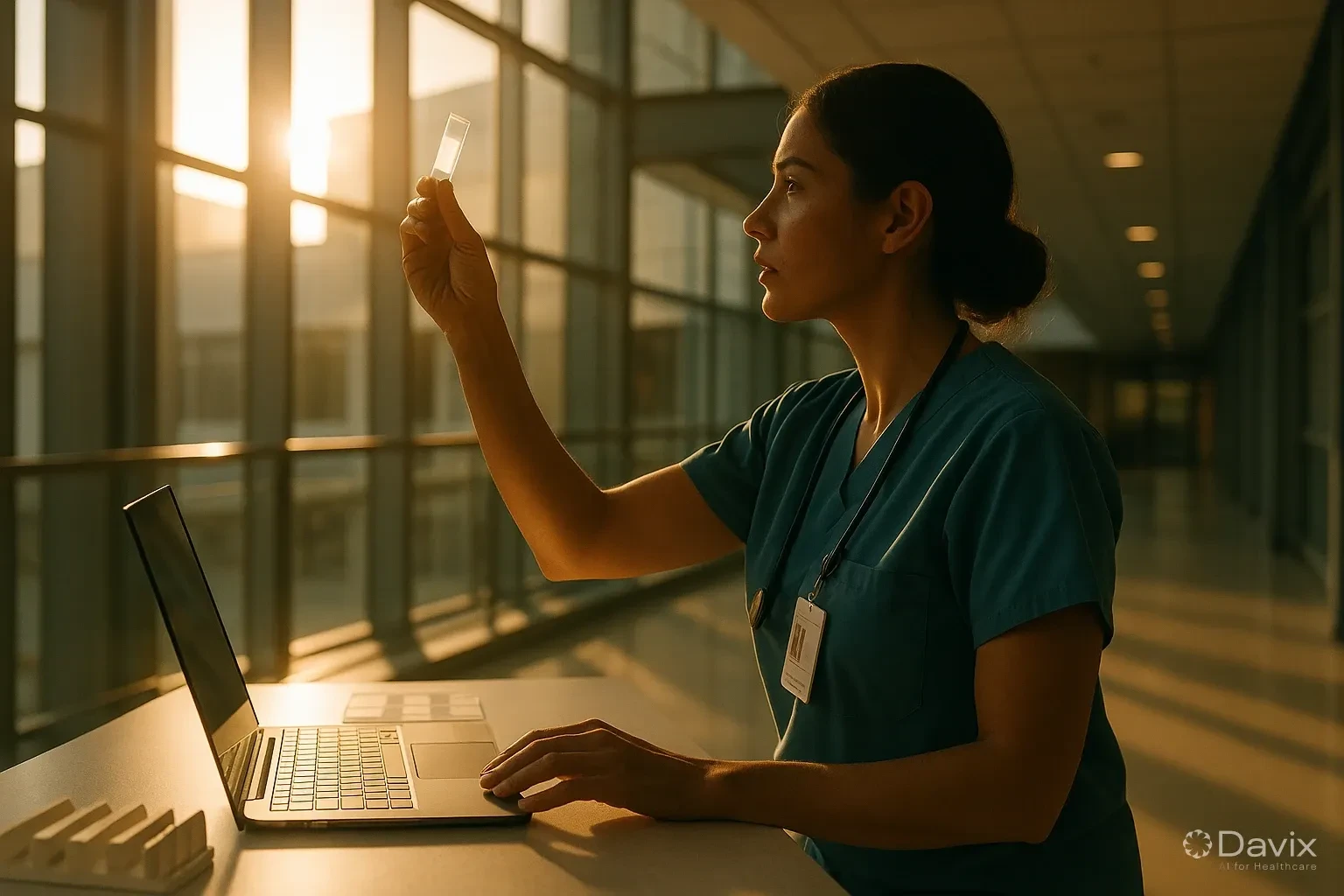
Digitizing Your Pathology Lab: Complete Guide for Latin America (2026)
Pathology is one of the last medical specialties to digitize. While radiology has worked with digital images (DICOM, PACS) for two decades, many pathology labs in Latin America still operate with physical slides, optical microscopes, and Word-based reports.
This is changing rapidly. Digital pathology is not a future trend — it's a present necessity for any lab that wants to remain competitive.
What is digital pathology
Digital pathology replaces the traditional workflow (slide → microscope → dictated report) with a digitized flow:
| Step | Traditional | Digital |
|---|---|---|
| Sample preparation | Same | Same |
| Visualization | Optical microscope | Slide scanner (WSI) |
| Storage | Physical slide archive | Digital server/cloud |
| Report | Dictation → transcription → Word | Structured report in system |
| Signature | Handwritten signature on paper | Electronic signature |
| Delivery | Paper/fax/email | Patient portal + WhatsApp |
| Remote consultation | Physical slide shipping | Telepathology |
Why digitize now
1. Telepathology
The shortage of pathologists in Latin America is critical. Telepathology allows a specialist pathologist to review cases remotely, without shipping physical slides.
2. Second opinion
Sharing a digital case with another pathologist takes minutes. Sharing a physical slide takes days or weeks.
3. Artificial intelligence
AI algorithms in pathology require digital images. Without digitization, there's no access to computer-aided detection tools.
4. Traceability
Where is patient X's slide from 3 years ago? With a digital archive, the answer takes seconds. With a physical archive, it may take hours or never be found.
Ready to digitize your health center?
Discover how Davix can transform your hospital or clinic management with world-class technology.
Schedule Free DemoComponents of a digital pathology lab
1. Slide scanner (WSI)
The Whole Slide Imaging scanner captures the complete slide in high resolution. Common brands in Latin America:
| Brand | Popular models | Price range |
|---|---|---|
| Leica/Aperio | AT2, GT450 | $80,000–$250,000 USD |
| Hamamatsu | NanoZoomer | $70,000–$200,000 USD |
| 3DHISTECH | Pannoramic | $50,000–$150,000 USD |
| Roche/Ventana | DP 200 | $100,000–$300,000 USD |
Note: The scanner is the largest investment. But you don't need to own one to start — you can outsource scanning or begin with macrophotography.
2. Management system (LIS with pathology module)
The LIS must support the specific pathology workflow:
- Sample registration with clinical data
- Structured gross and microscopic examination
- Synoptic reports (CAP protocols)
- SNOMED/SNOMED-CT codes
- Pathologist's electronic signature
3. WSI image viewer
A web viewer that allows viewing digitized slides from any device, with tools for:
- Multi-level zoom
- Annotations
- Measurements
- Side-by-side comparison
4. Storage
WSI images are large (1-3 GB per slide). A lab scanning 50 slides/day generates 50-150 GB daily. Cloud storage is the most viable option for scalability and cost.
Practical implementation roadmap
You don't need to digitize everything at once. Here's the recommended path:
Phase 1 (Month 1-2): Implement LIS with structured reports and electronic signature. No scanner.
Phase 2 (Month 3-4): Add digital macrophotography (camera + capture station). Cost: $2,000-$5,000 USD.
Phase 3 (Month 6+): Evaluate WSI scanner if volume and telepathology needs justify it.
Frequently asked questions
Do I need a WSI scanner to start?
No. You can digitize the informational workflow (LIS, reports, electronic signature) without a scanner. The scanner is for digitizing images, not the workflow.
How much does maintaining a digital vs. physical archive cost?
A physical slide archive requires space, climate control, and staff. A digital cloud archive costs approximately $0.02-0.05 USD per GB/month.
Is telepathology regulated in my country?
Regulation varies. Generally, telepathology follows each country's telemedicine regulations. Consult your local health authority.
Can I integrate the pathology LIS with the radiology PACS?
Yes. If both are from Davix, integration is native. If from different vendors, they integrate via HL7 or FHIR.
Conclusion
Digitizing a pathology lab is a gradual process, not a leap:
- Start with the informational workflow (LIS + electronic signature), not the scanner.
- Telepathology addresses the shortage of specialized pathologists.
- You don't need a WSI scanner to start. Macrophotography is a viable intermediate step.
- Cloud storage is the only scalable option for WSI images.
- Davix LIS supports the complete pathology workflow with integrated electronic signature.
Check Davix LIS pricing or schedule a demo to see the pathology module.
Related articles
How to Automate Appointment Scheduling at Your Clinic and Reduce Administrative Burden (2026)
Practical guide to automating medical appointment scheduling: reduce phone calls, eliminate double booking, and improve patient experience with digital tools.
How to Migrate Your PACS to the Cloud Without Losing Studies: A Step-by-Step Guide (2026)
Complete guide to migrating from an on-premise PACS to the cloud: planning, DICOM data migration, validation, and best practices to not lose a single study.
Set Up Teleradiology with Davix in 15 Minutes: Step-by-Step Tutorial
Practical tutorial to configure teleradiology with Davix PACS/RIS: from creating users to receiving the first signed report, in under 15 minutes.
