

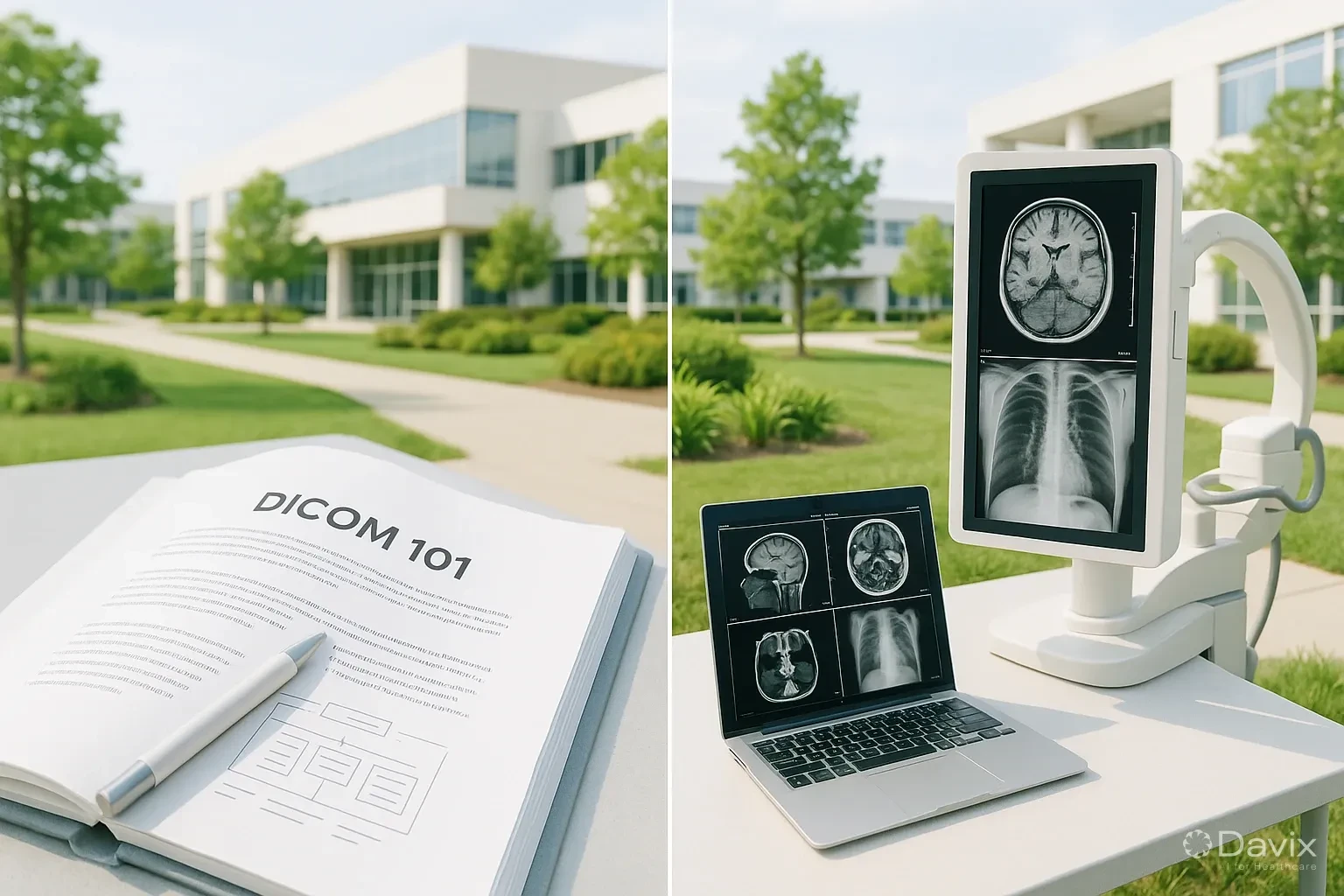
DICOM 101: What Every Radiologist Needs to Know About the Standard Behind Their Images
If you work with medical images, you use DICOM every day — even if you never think about it. Every time a CT scanner generates a study, every time a radiologist opens images in their viewer, every time a patient downloads results from a web portal, DICOM is working behind the scenes.
But what is it really? Why was it created? And what do you need to know as a radiologist or imaging center administrator to get the most out of it?
What is DICOM (in simple terms)
DICOM (Digital Imaging and Communications in Medicine) is the international standard that defines how digital medical images are created, stored, transmitted, and displayed. Think of DICOM as the "universal language" that allows a Siemens CT scanner, a Davix PACS, and a viewer on a patient's phone to understand each other.
Without DICOM, each equipment manufacturer would use their own proprietary format, and sharing images between systems would be impossible or extremely expensive.
The 4 DICOM pillars you need to know
1. File format
A DICOM file isn't simply an image like a JPEG. It contains two components:
- Header: Patient metadata (name, ID, date of birth), study metadata (date, modality, description), and image metadata (dimensions, bits, compression).
- Pixel data: The actual image, which can be uncompressed or losslessly compressed.
This structure is what allows a viewer to automatically display the patient's name, study date, and technical parameters alongside the image.
2. Network services (DIMSE)
DICOM doesn't just define files — it also defines how systems communicate with each other over the network. The most important services are:
| Service | What it does | Practical example |
|---|---|---|
| C-STORE | Sends images from one device to another | The CT scanner sends images to the PACS |
| C-FIND | Searches for studies on a server | The radiologist searches for a patient's studies in the PACS |
| C-MOVE | Requests a server to send images to another destination | The PACS sends images to the radiologist's viewer |
| C-GET | Downloads images directly | A web viewer downloads images for display |
| C-ECHO | Verifies that two devices can communicate | Connectivity test between the CT scanner and the PACS |
3. Conformance Statement
Every device or software that uses DICOM must publish a document called a Conformance Statement that details exactly which DICOM services it supports. It's like the compatibility "spec sheet." Before buying equipment or a PACS, review its Conformance Statement to verify it integrates with your infrastructure.
4. DICOM Web (DICOMweb)
The modern evolution of DICOM for web environments. While traditional DICOM uses proprietary protocols (direct TCP/IP), DICOMweb uses standard HTTP/HTTPS, enabling:
- Viewing images in a web browser without installing software
- Access from mobile devices
- Integration with modern web applications
- Cloud infrastructure compatibility
Ready to digitize your health center?
Discover how Davix can transform your hospital or clinic management with world-class technology.
Schedule Free Demo5 common mistakes when working with DICOM
1. Assuming all devices are automatically compatible
Just because two devices "support DICOM" doesn't mean they connect without configuration. You need to verify that both support the same SOP Classes (service types) and Transfer Syntaxes (compression formats). A CT scanner sending images in JPEG 2000 won't work with a PACS that only accepts lossless JPEG.
2. Not correctly configuring the AE Title
The Application Entity Title (AE Title) is the unique identifier of each DICOM node on your network. If the CT scanner's AE Title doesn't match what the PACS expects, images won't arrive. It's a simple but surprisingly frequent configuration error.
3. Ignoring compression
Uncompressed DICOM images can be enormous: a chest CT can weigh between 200 MB and 2 GB. If your network doesn't have enough bandwidth or your storage is limited, you need a compression strategy that balances quality and size.
4. Not anonymizing studies before sharing them
DICOM files contain patient personal data in their metadata. If you share a study for a second opinion, research, or education without anonymizing it, you're violating privacy regulations.
5. Relying on CDs to share studies
Burning studies to CD is slow, error-prone, and a terrible experience for the patient. A cloud PACS with a patient portal lets the patient access their images from any browser, eliminates CDs, and improves the experience.
DICOM and PACS: how they work together
The PACS (Picture Archiving and Communication System) is the system that stores, organizes, and distributes DICOM images. The relationship is direct:
- Imaging equipment (CT, MRI, X-ray) generates DICOM files and sends them to the PACS via C-STORE.
- The PACS stores the images, indexes them by patient/study/series, and makes them available for viewing.
- DICOM viewers access the PACS to display images to the radiologist, referring physician, or patient.
A modern PACS like Davix supports both traditional DICOM and DICOMweb, allowing access from legacy equipment and web browsers simultaneously.
Frequently asked questions
Is DICOM only for radiology?
No. Although it was born in radiology, DICOM is used in ophthalmology, digital pathology, dermatology, cardiology, and any specialty that generates diagnostic images. Even clinical photographs can be encapsulated in DICOM format.
Can I convert JPEG or PNG images to DICOM?
Yes, but you need to add the required metadata (patient data, study data, etc.). There are tools that do this, but it's important that the metadata is correct and complete to maintain traceability.
Is DICOM being replaced by FHIR?
No. FHIR is a standard for clinical data (diagnoses, medications, notes), not for images. DICOM and FHIR are complementary: DICOM handles images and FHIR handles associated clinical information. Modern systems use both.
Do I need a dedicated DICOM server or can I use a cloud PACS?
A cloud PACS like Davix acts as your DICOM server without you needing to buy, maintain, or update hardware. Equipment sends images to the cloud PACS exactly the same way as to a local server, but without the infrastructure costs.
Conclusion
DICOM is the invisible foundation of all digital imaging. Understanding it enables you to:
- Choose better equipment and software by verifying real compatibility.
- Troubleshoot connectivity issues between devices more quickly.
- Evaluate PACS with technical criteria, not just commercial ones.
- Modernize your operation by adopting DICOMweb and cloud PACS without breaking compatibility with existing equipment.
If you're looking for a PACS that natively supports DICOM and DICOMweb, check the Davix PACS/RIS pricing or schedule a demo.
Related articles
How to Automate Appointment Scheduling at Your Clinic and Reduce Administrative Burden (2026)
Practical guide to automating medical appointment scheduling: reduce phone calls, eliminate double booking, and improve patient experience with digital tools.
How to Migrate Your PACS to the Cloud Without Losing Studies: A Step-by-Step Guide (2026)
Complete guide to migrating from an on-premise PACS to the cloud: planning, DICOM data migration, validation, and best practices to not lose a single study.
Set Up Teleradiology with Davix in 15 Minutes: Step-by-Step Tutorial
Practical tutorial to configure teleradiology with Davix PACS/RIS: from creating users to receiving the first signed report, in under 15 minutes.
