

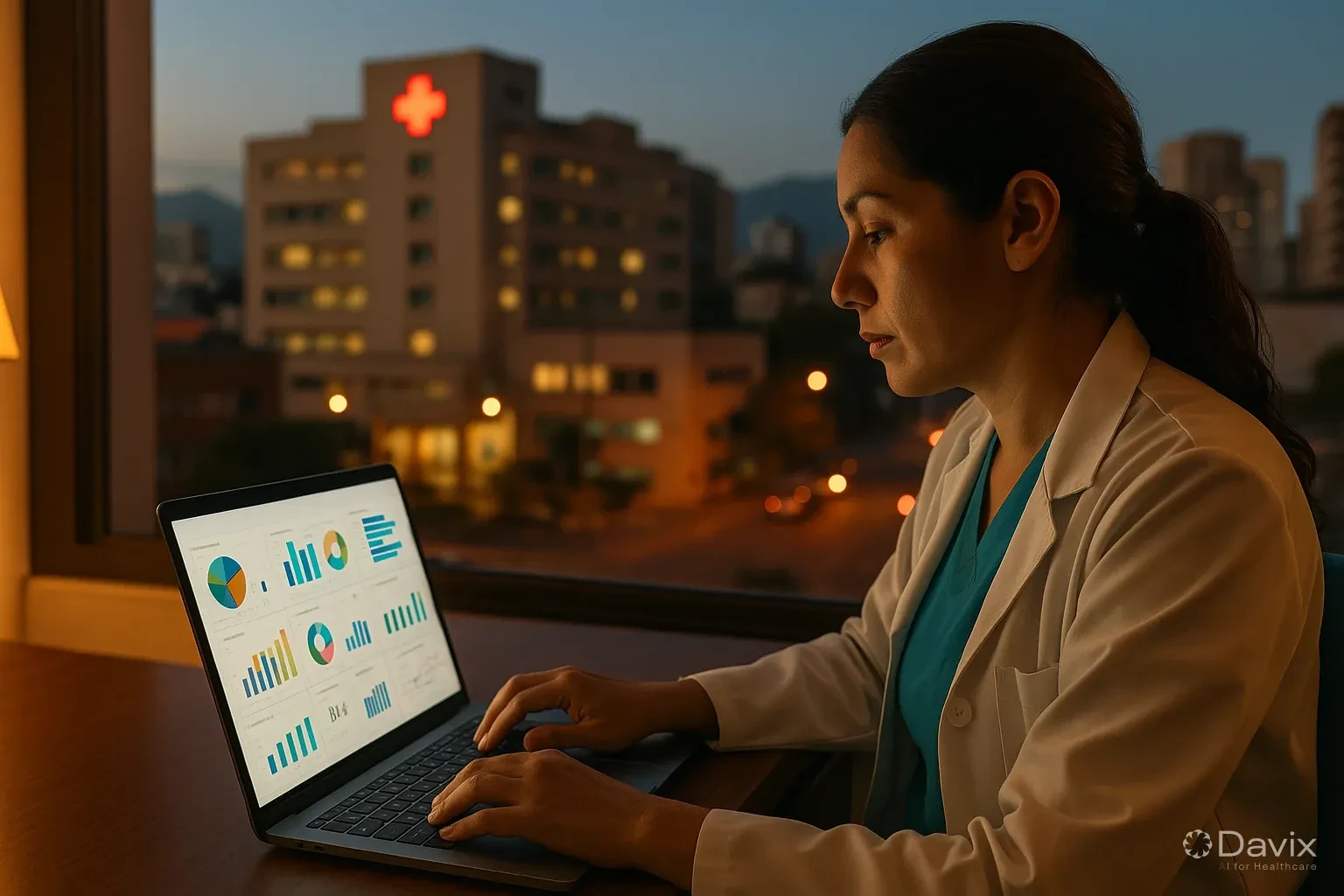
Management Dashboard for Clinics: The Data You Need to See Every Morning to Make Better Decisions (2026)
80% of clinic managers in LATAM make decisions based on intuition, outdated manual reports, or at best, an Excel file someone updates when they can. A management dashboard changes that: the right information, updated, at the right time.
You don't need to be a data analyst. You need to see the right numbers every morning.
Why Excel is not a dashboard
| Feature | Excel | Integrated dashboard |
|---|---|---|
| Updates | Manual (when someone does it) | Automatic in real time |
| Data source | Manual transcription | Direct from operating system |
| Errors | Frequent (copy, broken formulas) | Minimal (automatic calculation) |
| Access | Only whoever has the file | Any device with permission |
| Historical data | Hard to maintain | Automatic |
| Preparation time | Hours per week | 0 — always ready |
The 3 dashboards you need
Dashboard 1: Operational (daily review — 5 minutes)
What you see every morning upon arrival:
| Metric | What it tells you | Action if problematic |
|---|---|---|
| Today's appointments | Today's workload | Redistribute if overloaded |
| Today's occupancy | % of filled slots | Open slots or activate waitlist |
| Yesterday's no-show | How many didn't show yesterday | Check if reminders are working |
| Patients currently waiting | Who's waiting and how long | Intervene if someone has waited over 20 min |
| Alerts | Pending results, complaints, NPS detractors | Act immediately |
Review time: 5 minutes. Frequency: Every morning.
Dashboard 2: Financial (weekly review — 15 minutes)
What you review every Monday:
| Metric | What it tells you | Action if problematic |
|---|---|---|
| Weekly billing | Revenue generated | Compare vs target and previous week |
| Billing by physician | Productivity per professional | Identify optimization opportunities |
| Accounts receivable (DSO) | How long it takes to get paid | Accelerate collection if DSO rises |
| Billing errors | Rejected or corrected invoices | Train or adjust process |
| Operating expenses | Week's costs | Detect deviations early |
Review time: 15 minutes. Frequency: Every Monday.
Ready to digitize your health center?
Discover how Davix can transform your hospital or clinic management with world-class technology.
Schedule Free DemoDashboard 3: Strategic (monthly review — 30 minutes)
What you analyze the first day of each month:
| Metric | What it tells you | Action if problematic |
|---|---|---|
| Monthly NPS | Overall patient satisfaction | Review top complaints and action plan |
| Retention rate | % of patients who return | Activate retention strategies |
| Acquisition cost (PAC) | How much it costs to bring a new patient | Adjust marketing channels |
| Referral rate | % of new patients from recommendations | Activate referral program |
| Growth vs previous month | Growth trend | Decide whether to scale or adjust |
Review time: 30 minutes. Frequency: Monthly.
From data to decision: 5 practical examples
Example 1: "Wednesday occupancy is 60%"
Decision: Concentrate lower-demand physicians on another day. Offer preventive checkup promotions for Wednesdays.
Example 2: "Dr. Garcia has DSO of 45 days"
Decision: Check if his patients are insurance-based (slower collection) or if there's a billing process issue.
Example 3: "Lab NPS is 35 but consultation NPS is 60"
Decision: Investigate what's happening in the lab. Probably results delivery time.
Example 4: "Google Ads PAC is $45 but referral PAC is $8"
Decision: Invest more in the referral program and optimize Google Ads campaigns.
Example 5: "Afternoon no-show is 22% vs 8% in the morning"
Decision: Send additional reminder for afternoon appointments. Evaluate if afternoon slots have real demand.
What NOT to put on a dashboard
- Vanity metrics: "Total patients seen since we opened" — not actionable.
- Too many metrics: If it has more than 10 indicators, nobody reads it.
- Data without context: "520 consultations this month" means nothing without the target or previous month.
- Metrics you can't influence: "Dollar exchange rate" — you can't change it.
Davix dashboard
The commercial management module includes pre-configured dashboards:
- Operational: Occupancy, no-show, patients waiting, alerts — real-time updates.
- Financial: Billing by period, physician, service. DSO. Billing errors.
- Strategic: NPS, retention, PAC, referrals, growth — monthly trends.
- Accessible from any device with role-based permissions.
- No manual setup — feeds automatically from daily operations.
Frequently asked questions
Do I need a data analyst to use a dashboard?
No. A well-designed dashboard presents information ready to interpret. If you need an analyst to read your dashboard, the dashboard is poorly designed.
Can I view dashboards by location for multiple sites?
Yes. Davix allows filtering by location, physician, specialty, and period. It also provides multi-site consolidated views.
How long does it take to set up dashboards?
With Davix, dashboards come pre-configured. You start seeing data from day one of use. Historical data accumulates automatically.
What if my data is in multiple systems?
That's precisely the problem a unified platform solves. With separate systems, your dashboard requires costly integrations or manual consolidation.
Conclusion
A management dashboard isn't a luxury — it's an operational necessity:
- Daily operational dashboard (5 min): occupancy, no-show, alerts.
- Weekly financial dashboard (15 min): billing, DSO, errors.
- Monthly strategic dashboard (30 min): NPS, retention, PAC, growth.
- From data to decision: every metric should have a clear associated action.
- Automated: if it requires manual preparation, it won't be used.
Check Davix pricing or schedule a demo to see the dashboards in action.
Related articles
How to Automate Appointment Scheduling at Your Clinic and Reduce Administrative Burden (2026)
Practical guide to automating medical appointment scheduling: reduce phone calls, eliminate double booking, and improve patient experience with digital tools.

How to Migrate Your PACS to the Cloud Without Losing Studies: A Step-by-Step Guide (2026)
Complete guide to migrating from an on-premise PACS to the cloud: planning, DICOM data migration, validation, and best practices to not lose a single study.

Set Up Teleradiology with Davix in 15 Minutes: Step-by-Step Tutorial
Practical tutorial to configure teleradiology with Davix PACS/RIS: from creating users to receiving the first signed report, in under 15 minutes.
