

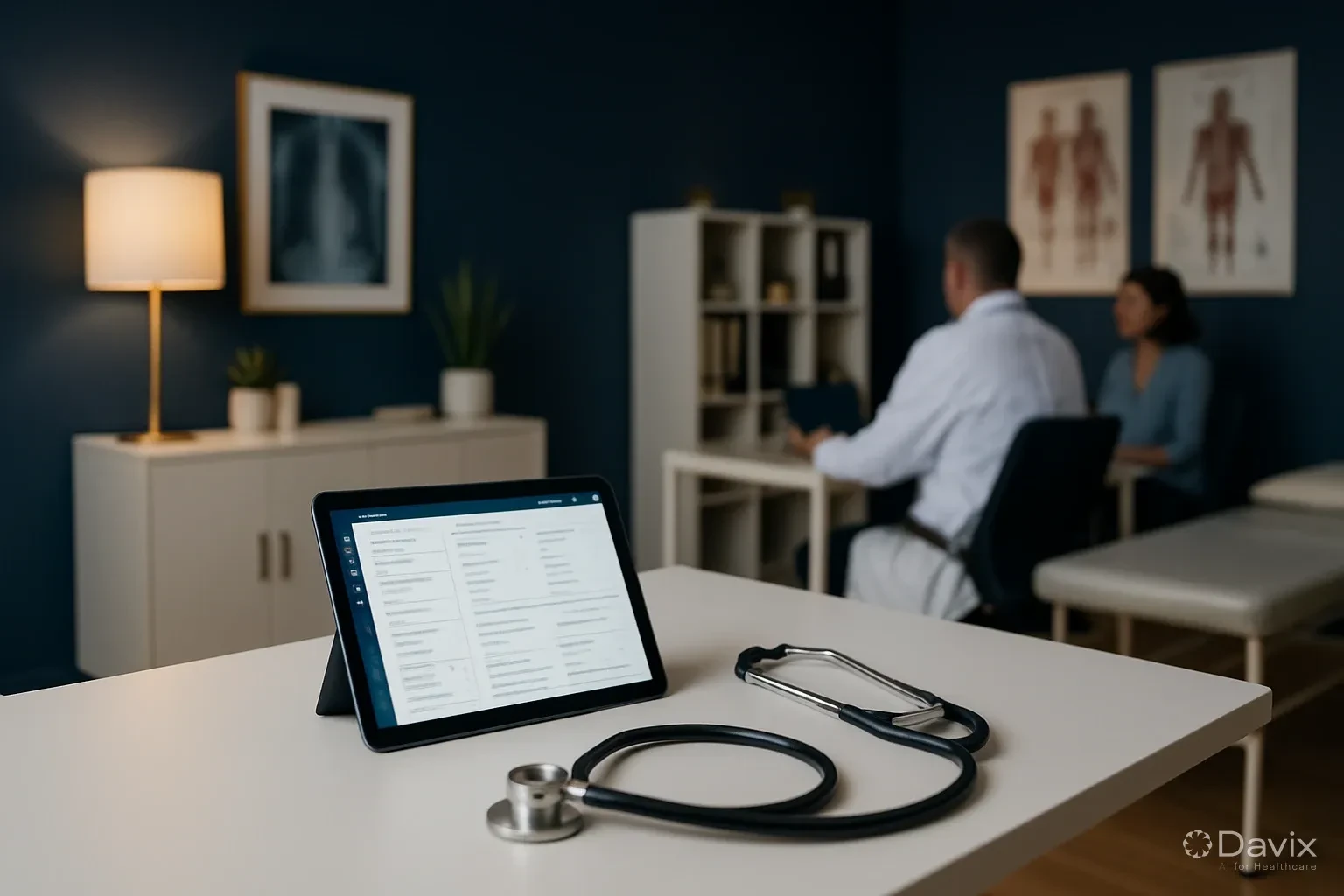
How to Automate Appointment Scheduling at Your Clinic and Reduce Administrative Burden (2026)
In most Latin American clinics, scheduling an appointment is still a manual process: the patient calls, someone answers (if they can), searches for availability in a paper or Excel schedule, writes down the slot, and hopes there's no double booking. This process takes 3-5 minutes per appointment and consumes up to 40% of reception time.
The result: saturated phone lines, frustrated patients who can't get through, and scheduling errors that create conflicts.
The real cost of manual scheduling
| Problem | Impact |
|---|---|
| Unanswered calls | 30-40% of calls missed during peak hours |
| Double booking | Creates waits, complaints, and loss of trust |
| Reception time | 40% dedicated to answering phones and scheduling |
| Informal WhatsApp | No record, no confirmation, no traceability |
| Limited hours | Patients can only schedule during office hours |
The 3 layers of automation
Layer 1: Centralized digital calendar
The first step is migrating from Excel or paper to a digital calendar integrated with your clinical system. This eliminates double booking, enables real-time availability, and records every appointment with patient data.
Impact: Eliminates transcription errors and double booking.
Layer 2: Online self-scheduling by the patient
The patient schedules through the web portal or app without needing to call. They see availability by specialty, physician, and time slot. They select, confirm, and receive automatic confirmation.
Impact: Reduces incoming calls by 40-60%.
Layer 3: Automatic confirmations and reminders
The system sends automatic reminders via WhatsApp or SMS: 48 hours before and 2 hours before. The patient confirms or cancels with one click, freeing the slot for another patient.
Impact: Reduces no-show by 25-40%.
Ready to digitize your health center?
Discover how Davix can transform your hospital or clinic management with world-class technology.
Schedule Free DemoAutomated vs manual scheduling flow
Manual (current situation)
- Patient calls → reception answers (if possible)
- Reception manually searches for availability
- Notes in calendar → verbally confirms
- No reminder → patient forgets → no-show
- If they cancel, the slot is lost
Automated (with system)
- Patient schedules online 24/7 from their phone
- System shows real availability by specialty
- Automatic confirmation via WhatsApp
- Reminder at 48h and 2h before with cancel option
- If they cancel, the slot is automatically released for other patients
What to look for in a scheduling system
| Feature | Essential | Nice to have |
|---|---|---|
| Calendar by physician and specialty | ✅ | — |
| Double booking prevention | ✅ | — |
| Self-scheduling portal | ✅ | — |
| WhatsApp reminders | ✅ | — |
| One-click confirmation | ✅ | — |
| Automatic waitlist | — | ✅ |
| Recurring scheduling | — | ✅ |
| Occupancy reports | ✅ | — |
How Davix solves it
The commercial management module includes:
- Centralized digital calendar with automatic double booking prevention
- Patient portal for 24/7 self-scheduling
- WhatsApp integration for automatic confirmations and reminders
- Real-time occupancy dashboard
- Smart waitlist that automatically fills cancellations
Frequently asked questions
Can elderly patients use online scheduling?
Yes. Online scheduling doesn't replace the phone — it complements it. Patients who prefer calling still do, but those who prefer self-scheduling (especially under 45) no longer saturate the phone line.
How long does implementation take?
With Davix, the digital calendar is configured in the first week. The self-scheduling portal and WhatsApp reminders are activated in the second week.
Does it work for multiple locations?
Yes. The centralized calendar manages multiple locations, physicians, and specialties from a single system.
What if the patient doesn't have WhatsApp?
The system sends SMS reminders as fallback. In LATAM, over 95% of patients have WhatsApp.
Conclusion
Automating scheduling isn't a luxury — it's an operational necessity:
- Reduces incoming calls 40-60% with online self-scheduling.
- Eliminates double booking with centralized digital calendar.
- Reduces no-show 25-40% with automatic WhatsApp reminders.
- Frees reception for higher-value tasks.
- Improves patient experience from the very first contact.
Check Davix pricing or schedule a demo to see automated scheduling in action.
Related articles
How to Migrate Your PACS to the Cloud Without Losing Studies: A Step-by-Step Guide (2026)
Complete guide to migrating from an on-premise PACS to the cloud: planning, DICOM data migration, validation, and best practices to not lose a single study.

Set Up Teleradiology with Davix in 15 Minutes: Step-by-Step Tutorial
Practical tutorial to configure teleradiology with Davix PACS/RIS: from creating users to receiving the first signed report, in under 15 minutes.

How to Turn Satisfied Patients Into Ambassadors for Your Clinic (2026)
Practical strategies to transform satisfied patients into active promoters who recommend your clinic: from NPS to action with a scalable system.
